PlanFin the studio
Sanitary appliance
Sanitary appliance places a wash basin, a WC, a shower, a sink, a bathtub or another appliance of your template with one click inside a room. An appliance is architecture: the plumbing starts at its own points, placed with the Plumbing tool.
What it is
Sanitary appliance places the appliances of toilets, kitchens and wash areas. The list beside the tools offers the kinds of your template; in a project under BIS, the Indian practice: an European WC, an Indian WC (squatting pan), a wash basin, a shower area, a bathtub, a kitchen sink, a washing machine point, a dishwasher point and a geyser. Components you have made yourself as fixtures, furniture or shapes appear in the same list.
An appliance is architecture. It stands in a room and is drawn in every view, but it is never connected to anything: the plumbing starts at its points, the waste and the supply, which you place with the Plumbing tool.
When to use it
- To fit out a toilet, a kitchen or a wash area on the plan.
- To lay out the appliances before placing their plumbing points.
The steps
Pick the tool. Press
F, or click the Sanitary appliance button. The status bar asks you to click inside a room.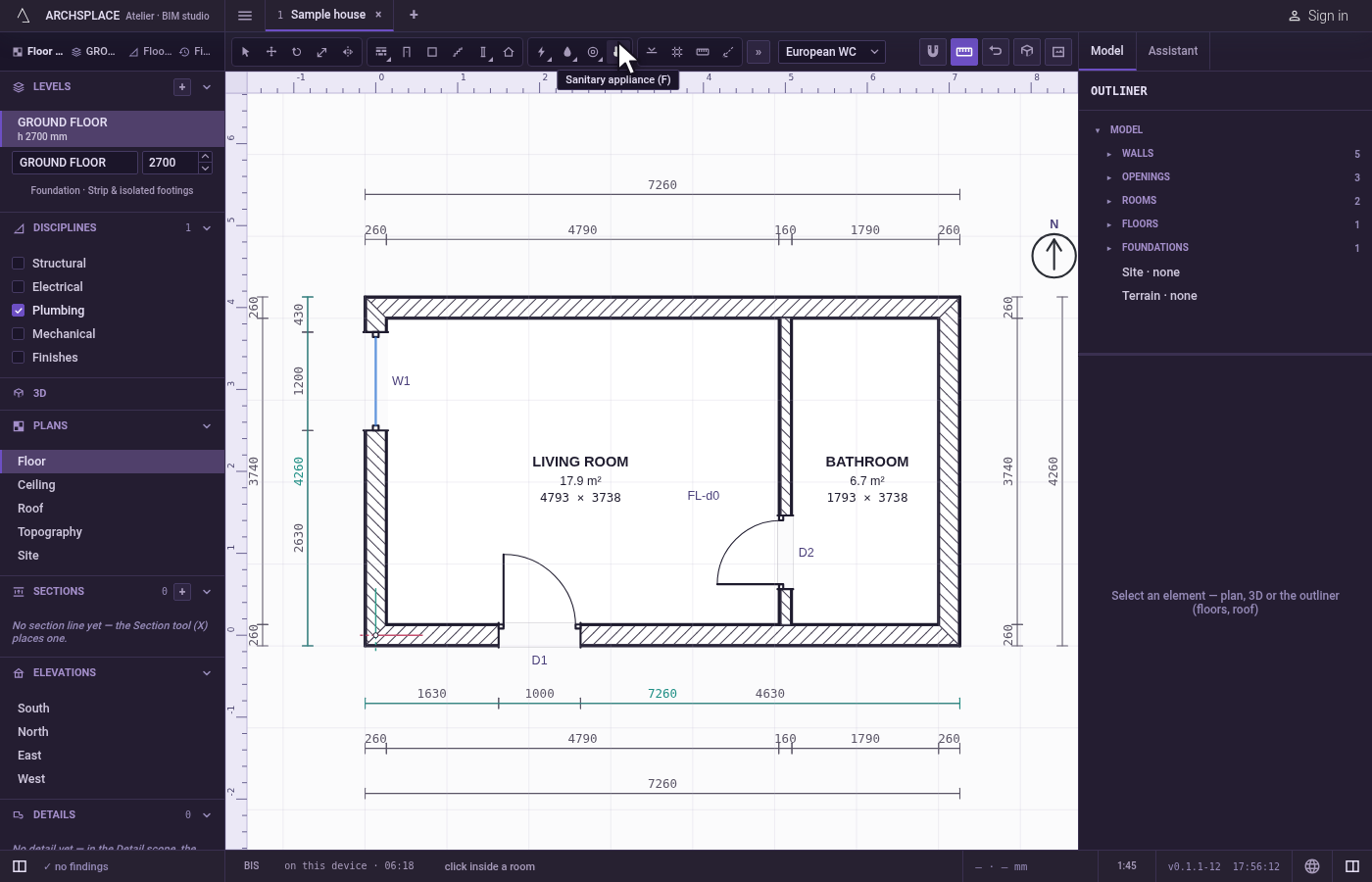
Choose the kind. Pick it from the list beside the tools. The ghost under the cursor shows it.
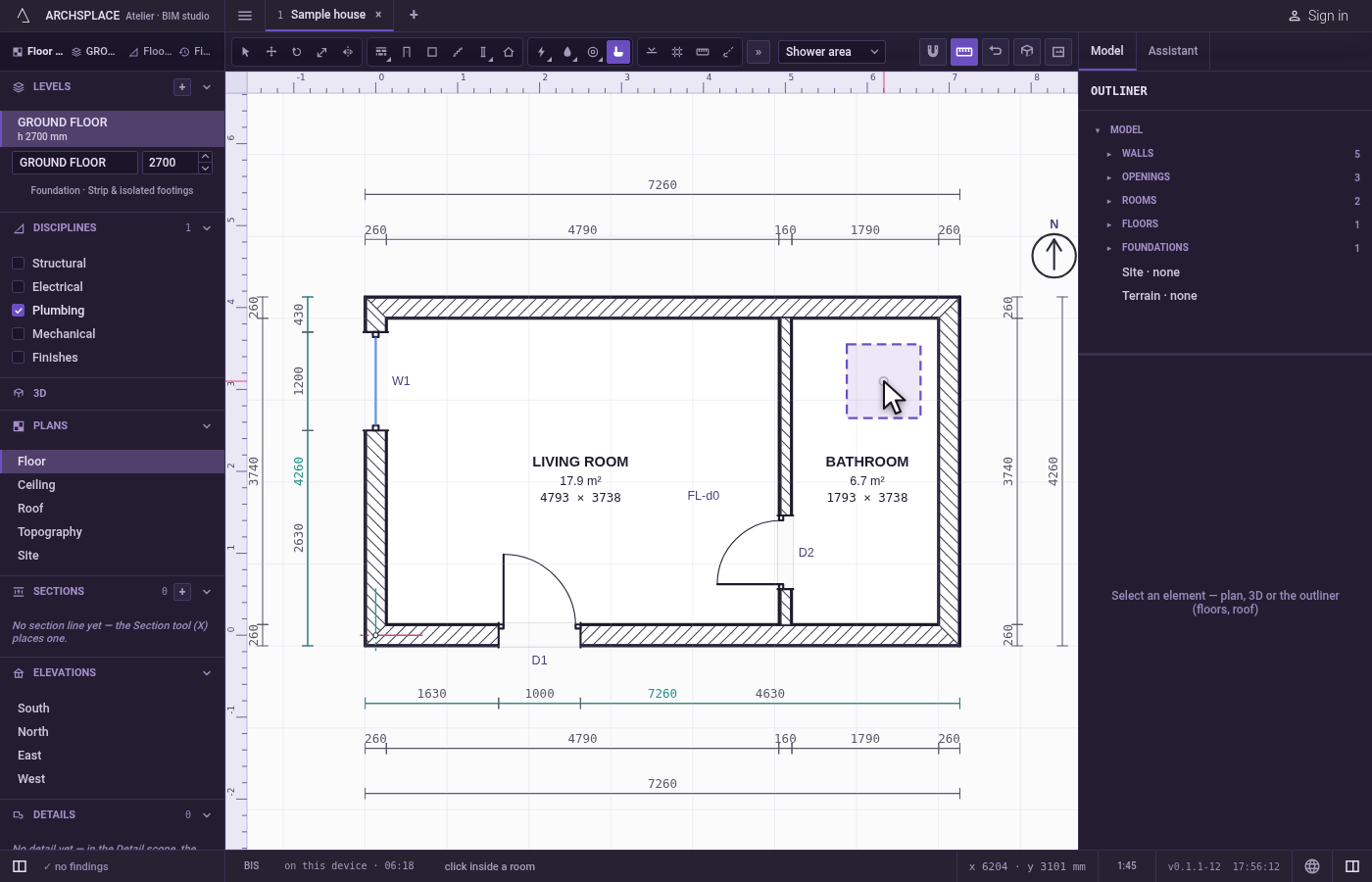
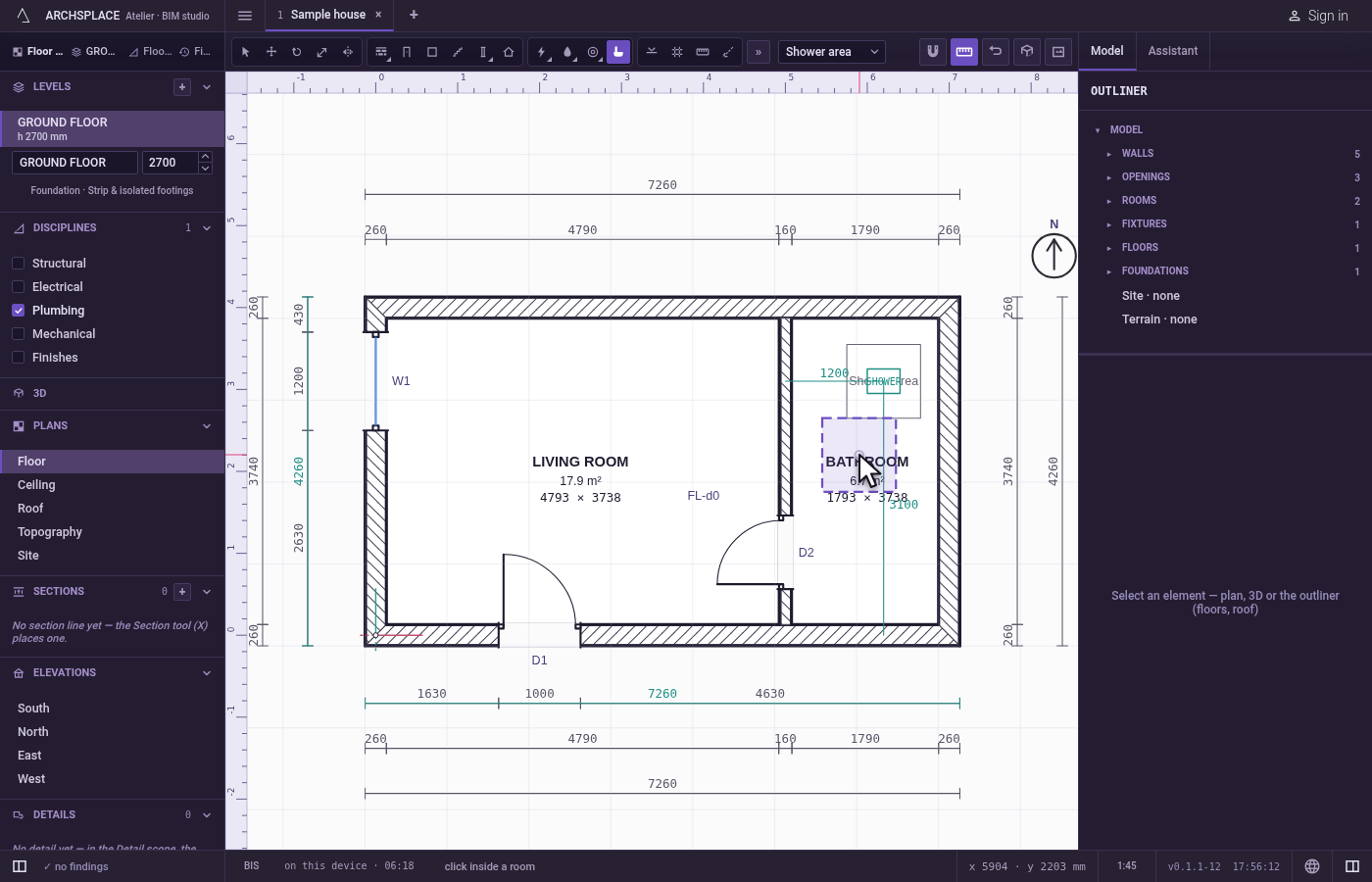
Click inside a room. The appliance is centred where you click, with the magnet. It belongs to the room you clicked in. Every click places one more.
What it refuses
- A click outside a room. Outside every room enclosed by walls, a message reminds you that an appliance stands in the room you place it in, and nothing is placed.
What it writes to the contract
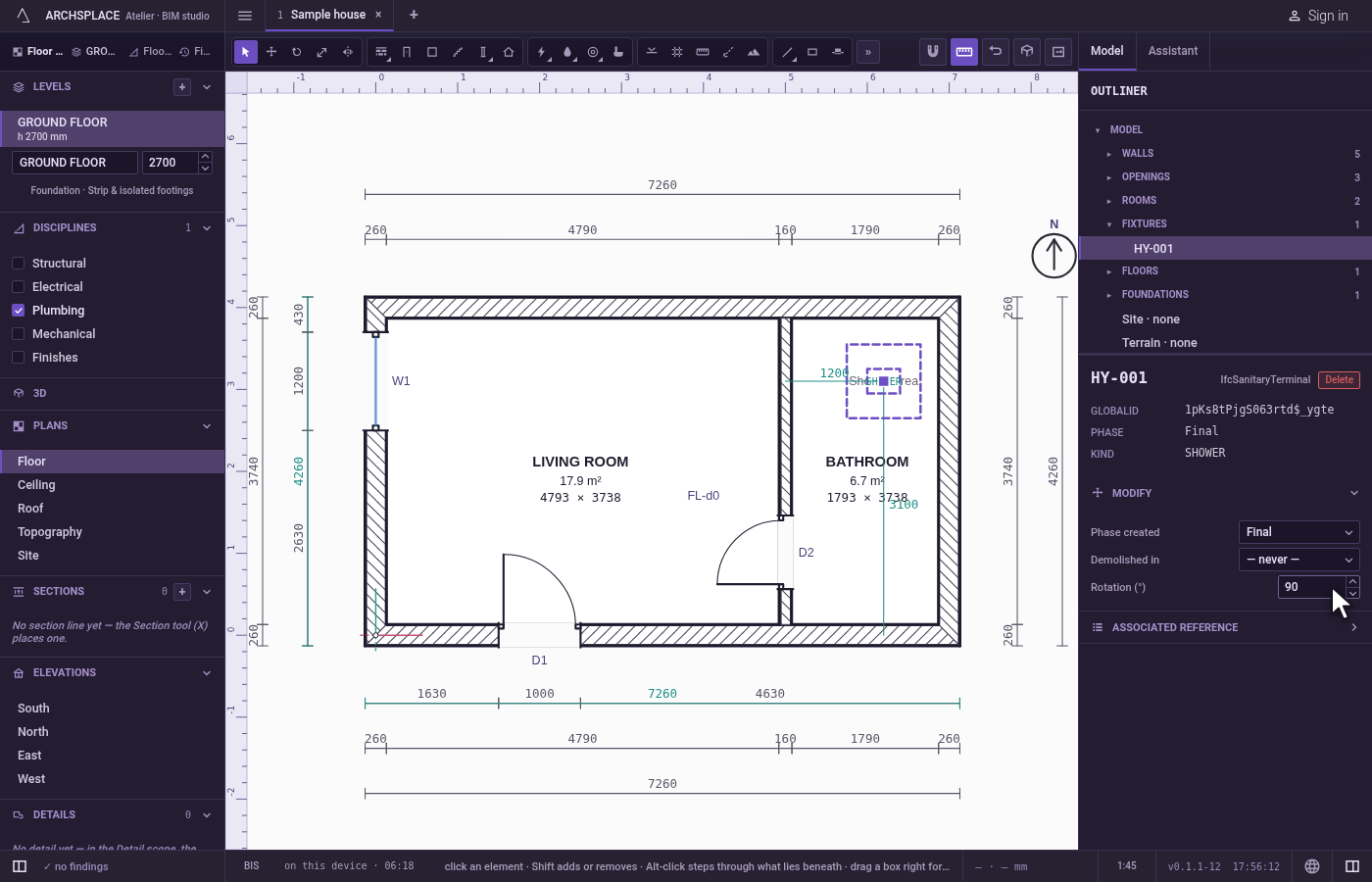
One new entry at the end of the project's list of fixtures, as one step that one undo reverses: its kind, the room in which it stands, its position in metres, and the phase in which the view draws. The rotation is written once you turn it.
Concepts
Related
Common questions
Does a sanitary appliance connect to the plumbing?
No. An appliance is architecture and is never connected to anything. Place its waste and supply points with the Plumbing tool, and the studio lays their pipes.
How do I turn an appliance to face a wall?
Select it and type its rotation in its panel; the field moves in steps of 15 degrees. Or turn it with the Rotate tool.