3DMin the studio
Move
Move carries what you hold in the 3D view from one point to another: click a point on it, then click where that point should land, or type the distance. With Ctrl at the drop it leaves the original and places a copy, which you can then repeat into a row.
What it is
Move holds something by a point and puts that point somewhere else. It works like the rest of the 3D view: before the first click, the point you would hold is snapped and marked (a corner, a midpoint, an edge, a face), and after it, the drop is snapped in the same way. While you move, a ghost of what you carry stands where it would land, with a line from the point you hold to the drop and the distance beside the pointer.
What moves depends on what you hold. A selection made before picking the tool moves whole. Without a selection, the click picks what lies under it: a whole component, a window or a door, or the face, edge or corner of a body or of loose lines. A face, an edge or a corner moves on its own and the faces around it stretch to follow; a body or a component travels whole.
When to use it
- To place a body or a component exactly against another one, corner on corner.
- To stretch a body by moving one of its faces or edges.
- To slide a window or a door along its wall, or up and down within its range.
- To copy something once, then repeat the copy into a row of equal steps.
- To place what you copied with
Ctrl+C:Ctrl+Vpicks Move for the paste.
The steps
Choose what moves. Select it first with Select, or pick Move and point at it: what a click would carry is highlighted in orange.
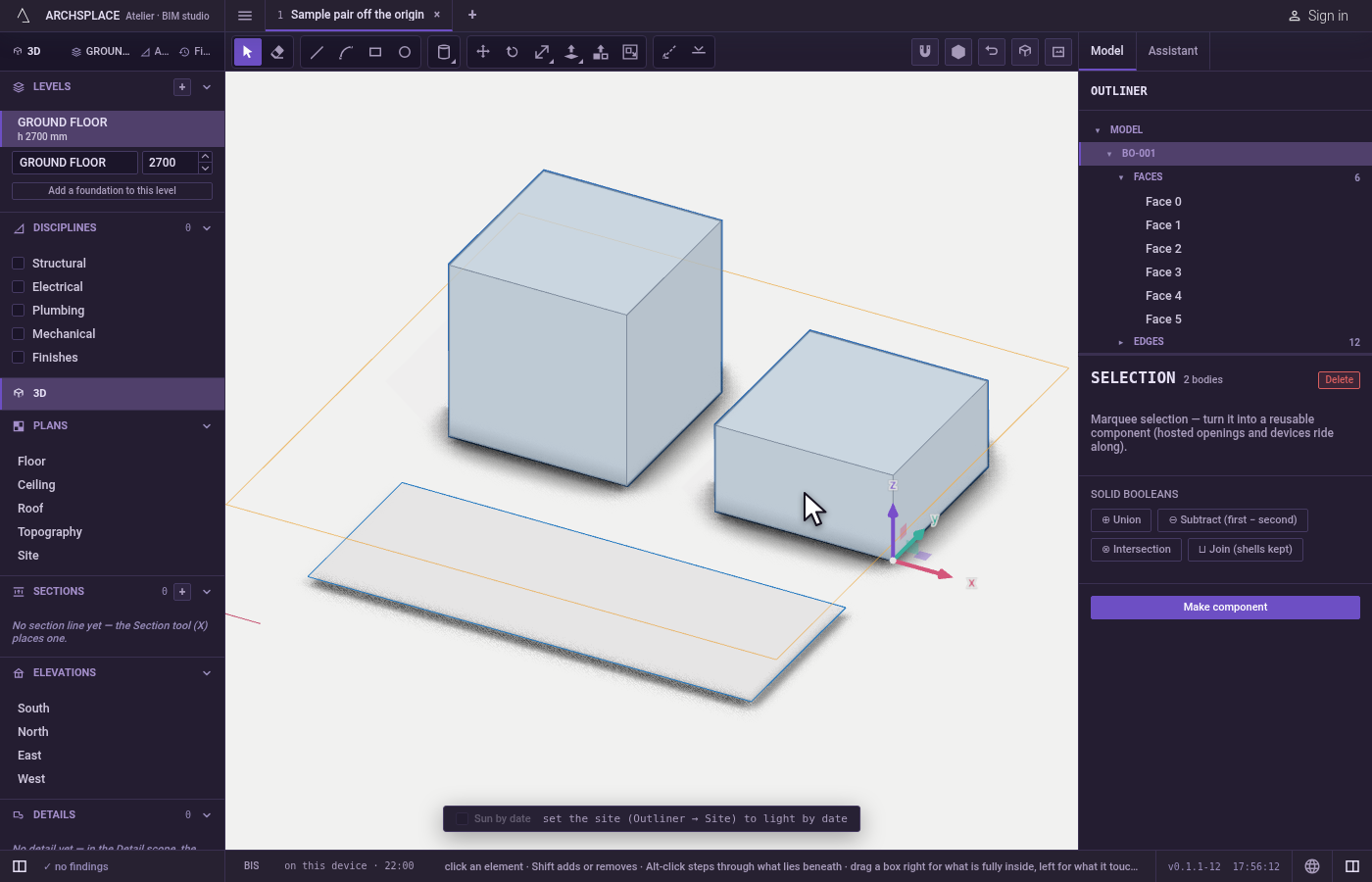
Pick the tool. Press
M, or click Move. A selection is kept.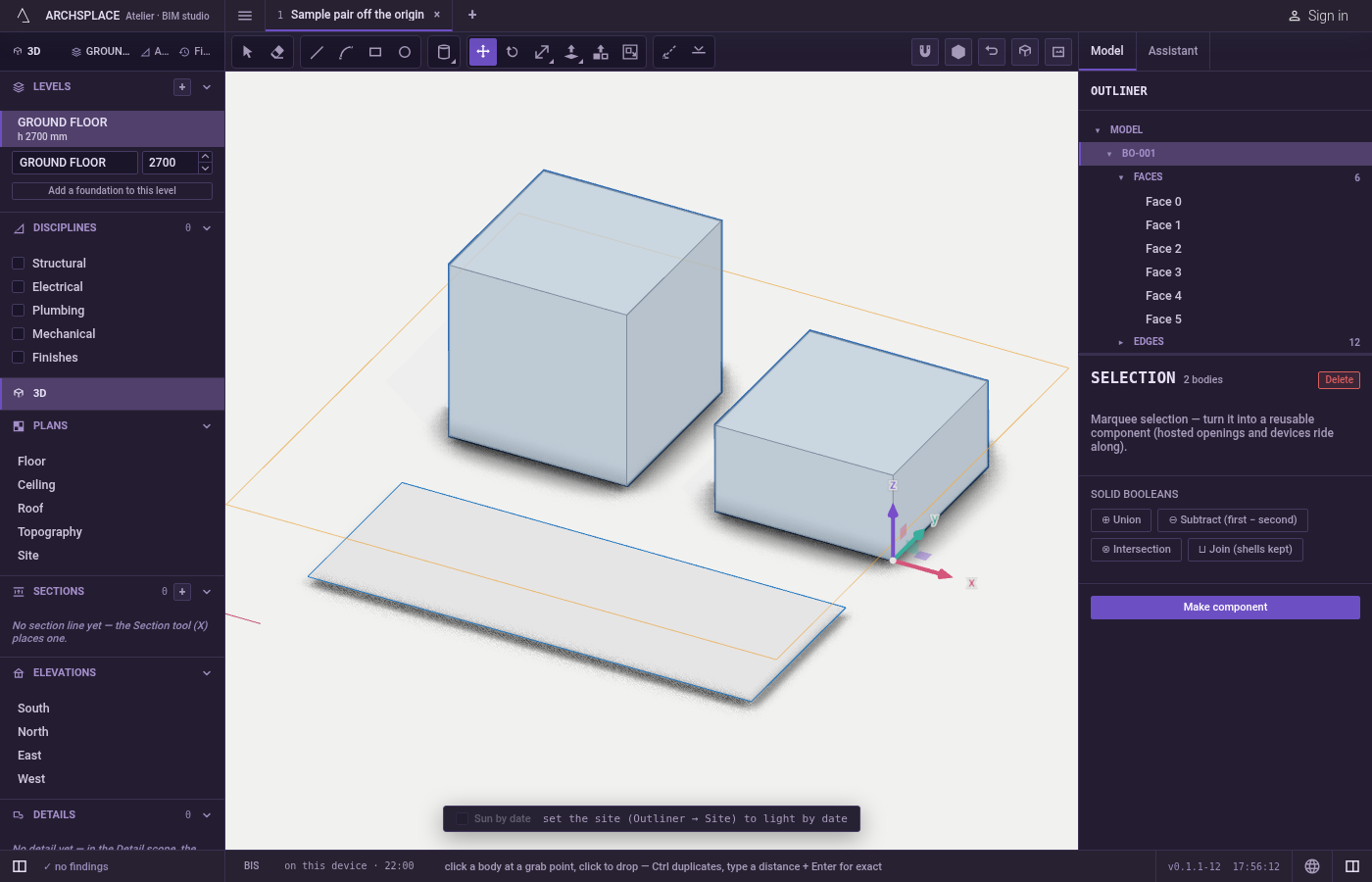
Click the point you hold. The marker shows exactly which point: hold a corner to drop that corner on another one.
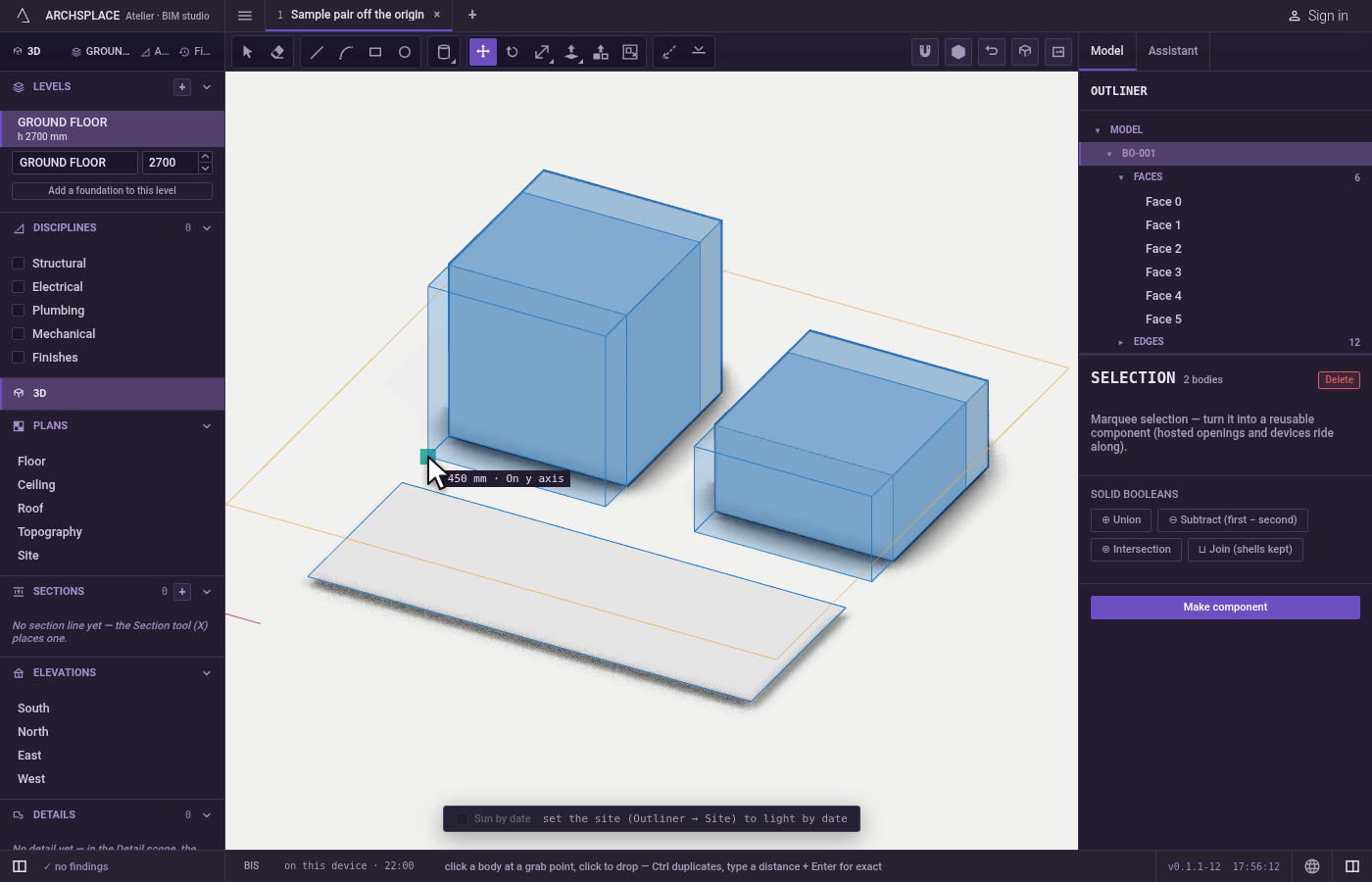
Move to the drop. Point at where it should land; the marker tells you what the drop picks.
→holds the x axis,←the y axis,↑the vertical, and↓releases it.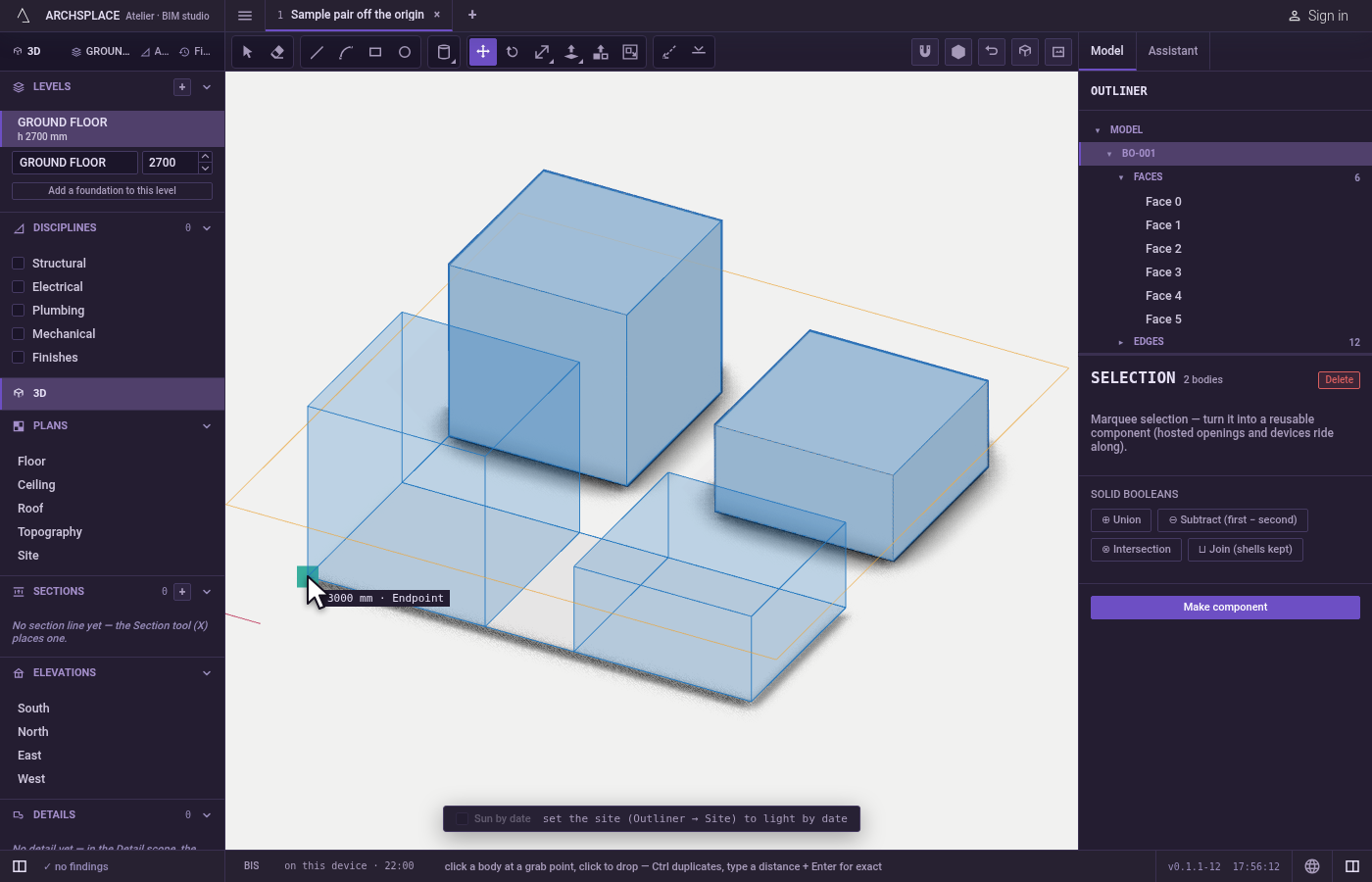
Drop it. Click, or type a distance and press
Enterto travel exactly that far towards where the pointer is. KeepCtrl(⌘on a Mac) pressed at the drop to leave the original and place a copy.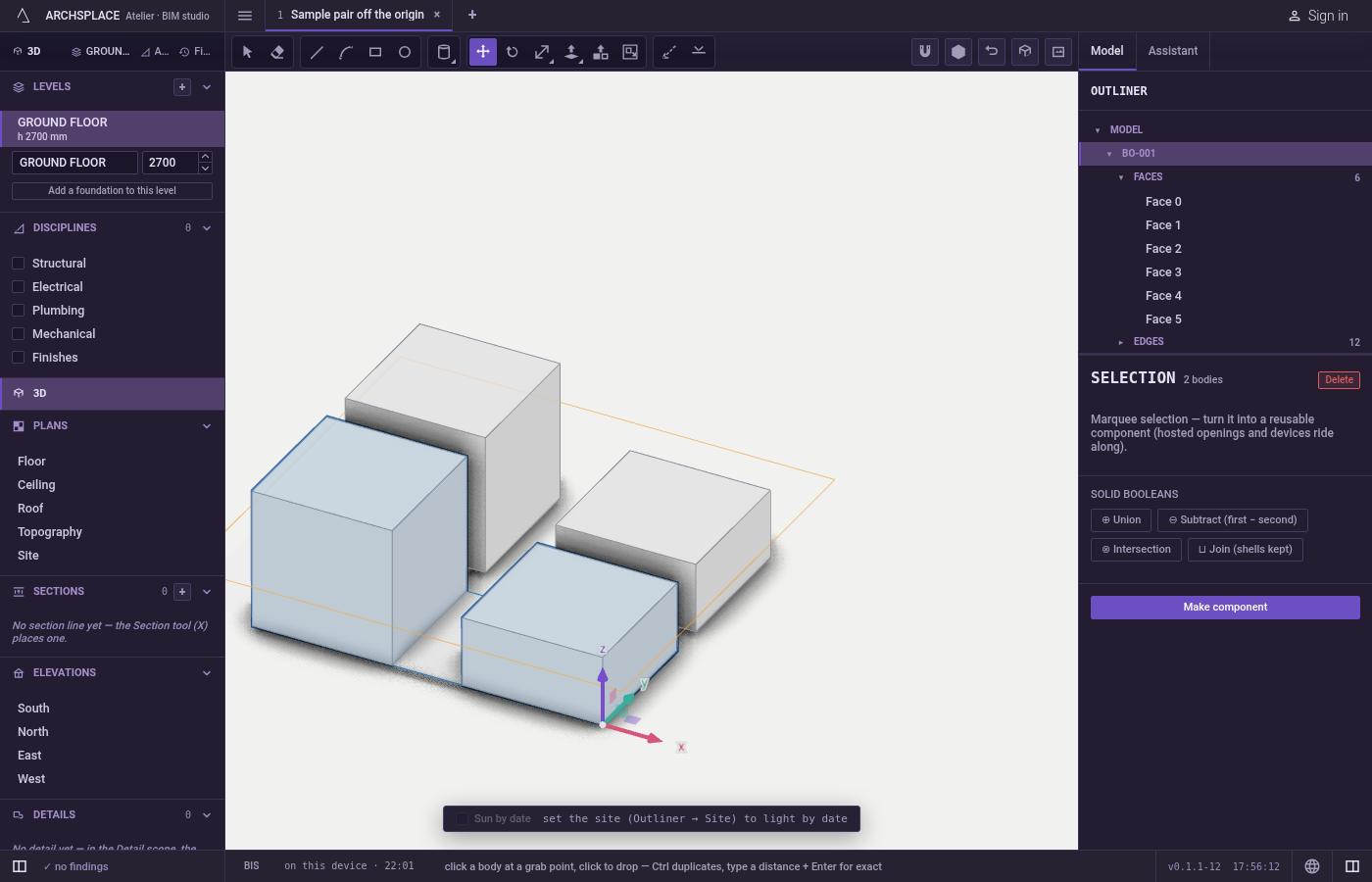
Repeat the copy if you want a row. Right after a copy, type
xand a number, thenEnter:x5gives five copies in all, each one step further on. Type/5instead to divide the distance into five equal steps.Escapebefore the drop puts everything back.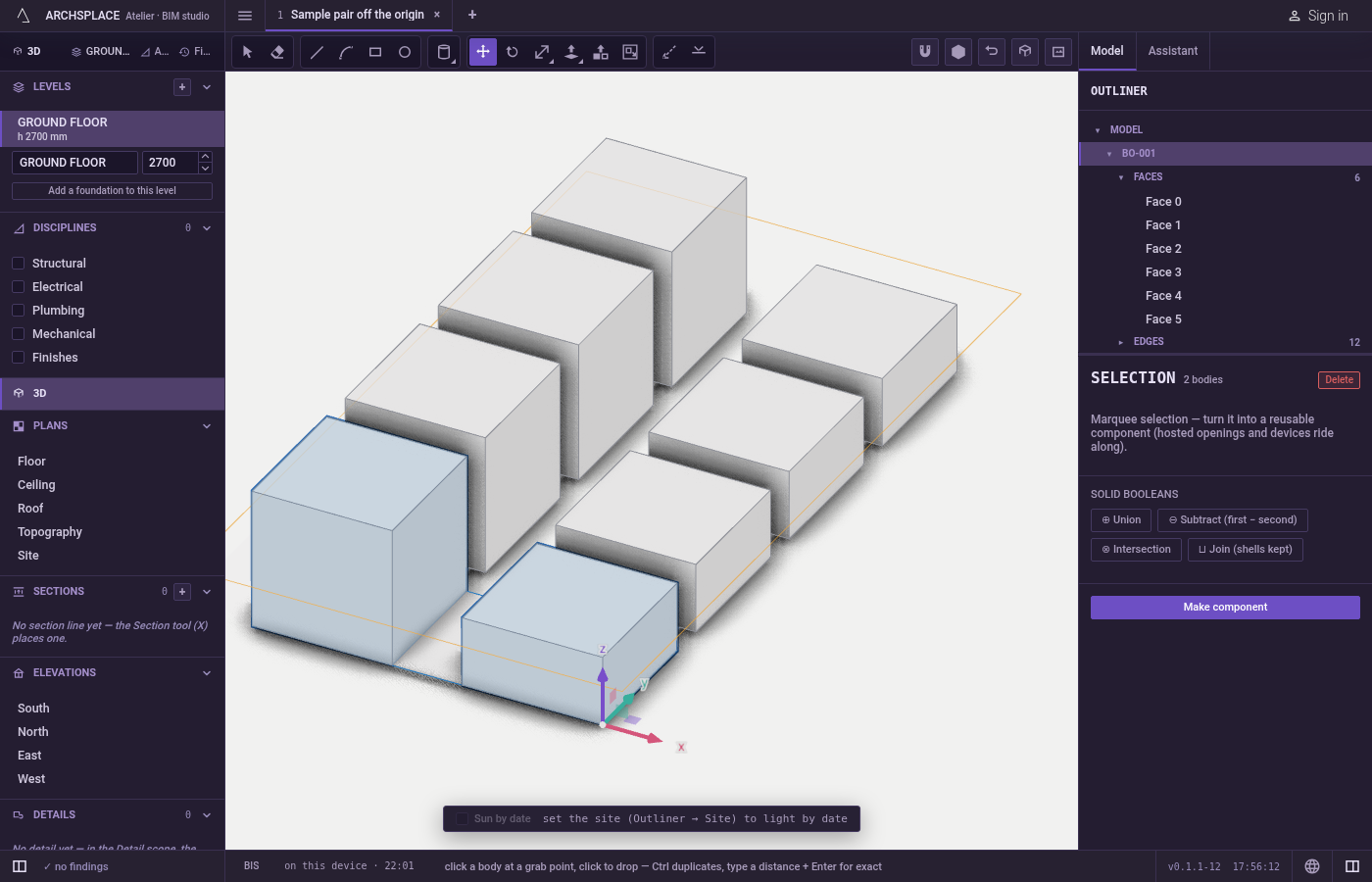
A section of the project can also be moved here: click its frame, move along its axis, and click or type a distance.
What it refuses
- A copy of part of a body.
Ctrlcopies whole bodies, loose lines, components and openings. On a face, an edge or a corner of a body it refuses, since that part reshapes the body it belongs to. The one exception is a hole:Ctrlon a face inside a hole carves the same hole again where it lands. - A rise for elements that sit on a level. A wall, a column, a beam or a staircase slides in plan only; a move upwards is answered with Walls, columns, beams and stairs take their height from their level, which you change in the Levels list.
- A window or a door taken out of its wall. It slides along its own wall only. It is refused beyond the end of the wall, closer than 0.1 m to another opening, or with a sill outside the range of its family; a door stays on the floor.
- A slab, a level or the terrain. A slab follows the outline of its level, the height of a level is set in the Levels list, and the ground is measured: each one says so when you try.
- Too many copies at once. An array that would place more than 2,000 copies in one go is refused; repeat it with a smaller number.
What it writes to the contract
One drop is one undoable step. Moving a body, loose lines or a component changes their position in the project; moving a face, an edge or a corner changes those points of the body and the faces that share them. A copy adds a new body, new lines or a new placement of the same component. Walls and the runs joined to them move together, with their openings and points going along. A copied hole is carved into the same body.
Common questions
How do I move something by an exact distance?
Click the point you want to hold, move the pointer in the direction you want, type the distance and press Enter. It travels exactly that far towards where the pointer is.
How do I make several copies in a row?
Move once with Ctrl pressed at the drop to make one copy. Then type x5 and press Enter for five copies in all at the same spacing, or /5 to divide the distance into five equal steps.
What happens if I hold a face instead of a whole body?
Only that face moves, and the faces around it stretch to follow. To carry the whole body, select it first with a triple click, then move.
Can I lift a wall with Move?
No. A wall, a column, a beam or a staircase slides in plan, and its height comes from its level. A move with a rise tells you to change the height of the level in the Levels list.