PlanCin the studio
Column
Column places a column with one click, centred where the magnet holds the cursor, with the section chosen beside the tools. Its section and its angle can then be changed in its panel.
What it is
Column places a rectangular column, centred on the point you click. The list beside the tools offers five sections: 25 by 25, 30 by 30, 40 by 40, 20 by 40 and 40 by 20 centimetres, shown in your project units. The first number is the width along the horizontal of the plan, the second the depth along its vertical.
The column stands on its level, from floor to floor. On the lowest level it stands on a footing that the project works out below it, unless something else already supports it.
When to use it
- To lay out a structure on a grid, column by column.
- To place a post below a beam or a roof.
- To redraw the columns of a surveyed building.
The steps
Pick the tool. Press
C, or click the Column button. The status bar asks you to click, with the section from the list.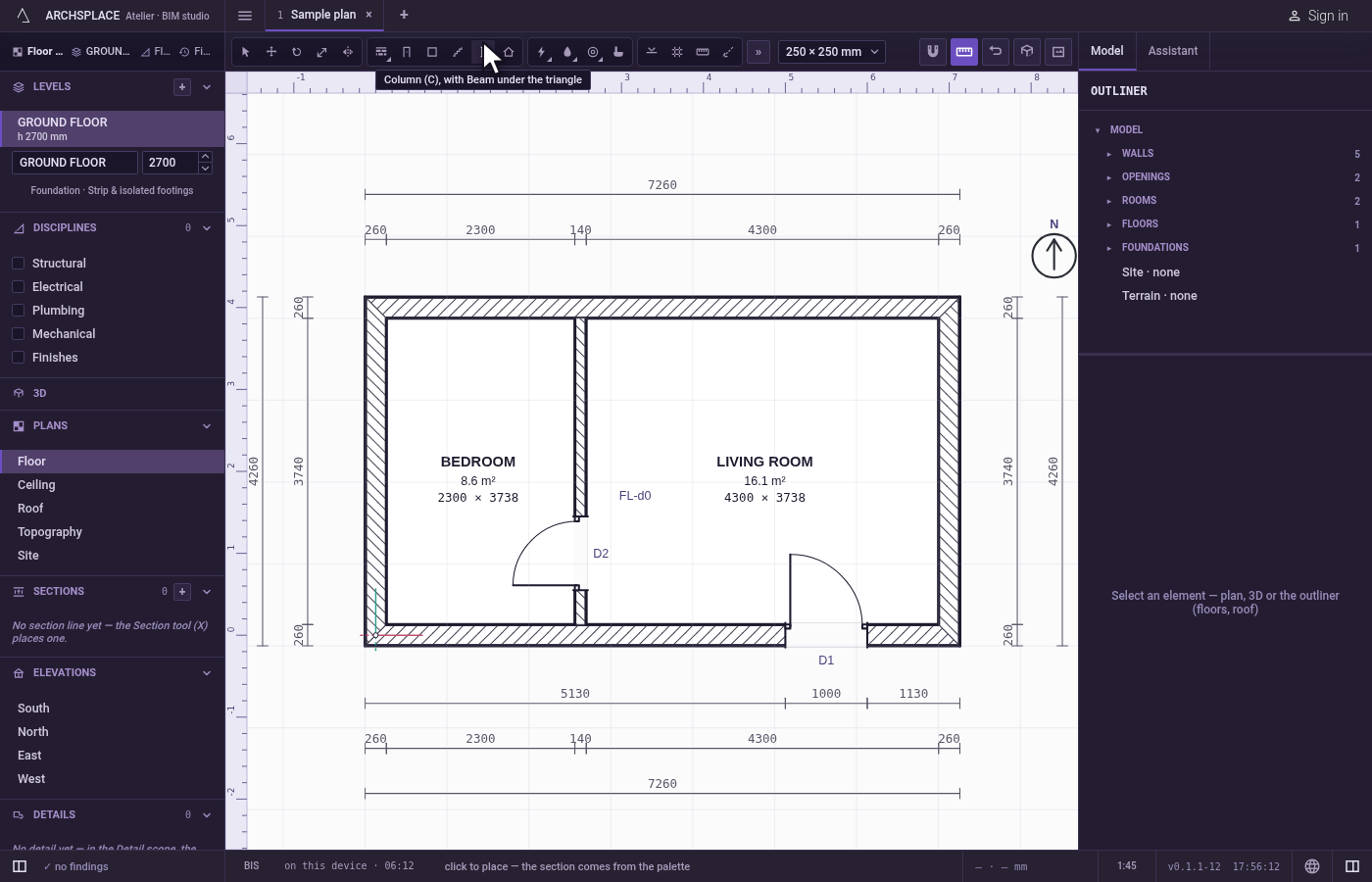
Choose the section. Pick it from the list beside the tools. The ghost under the cursor shows it.
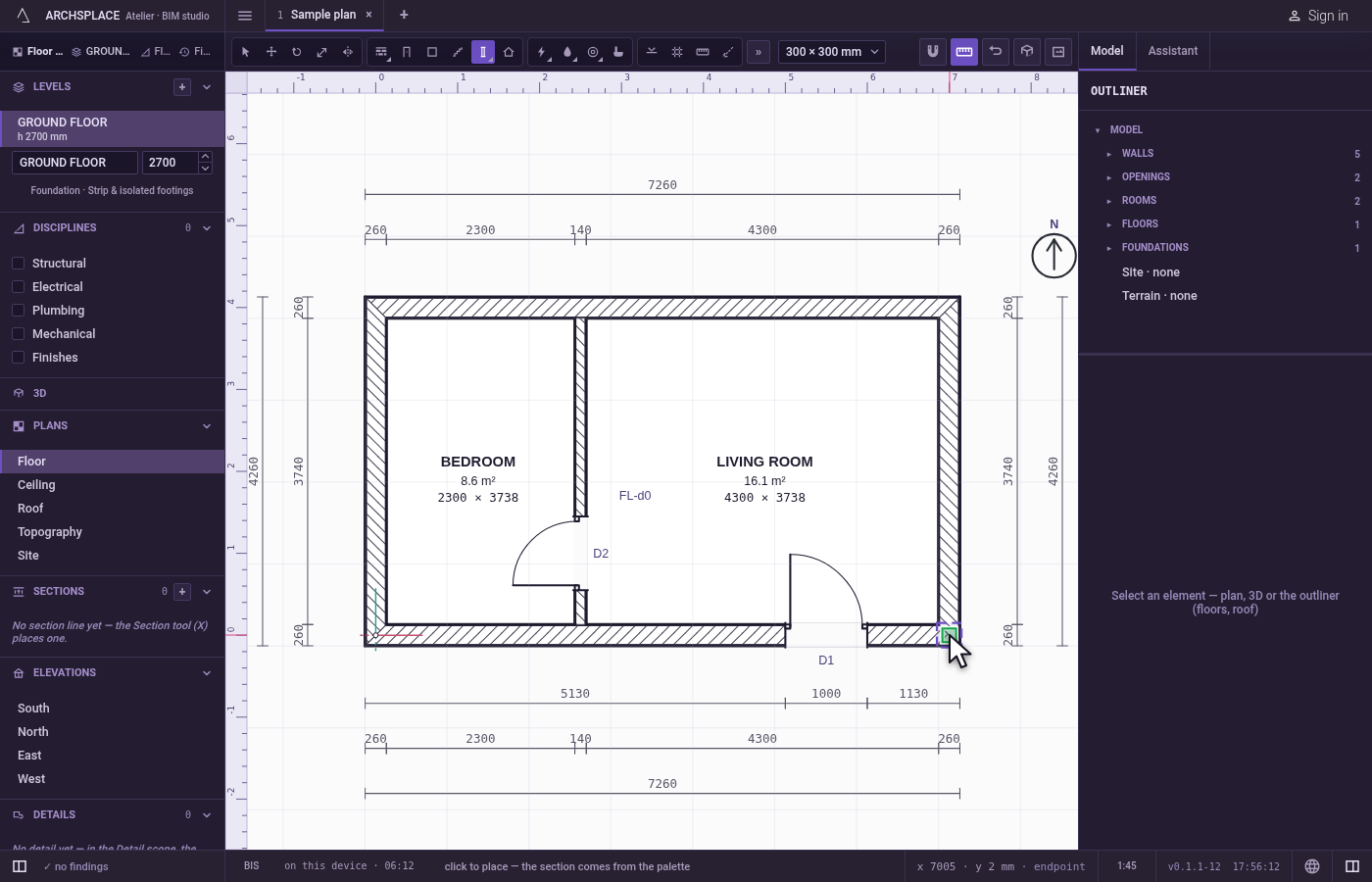
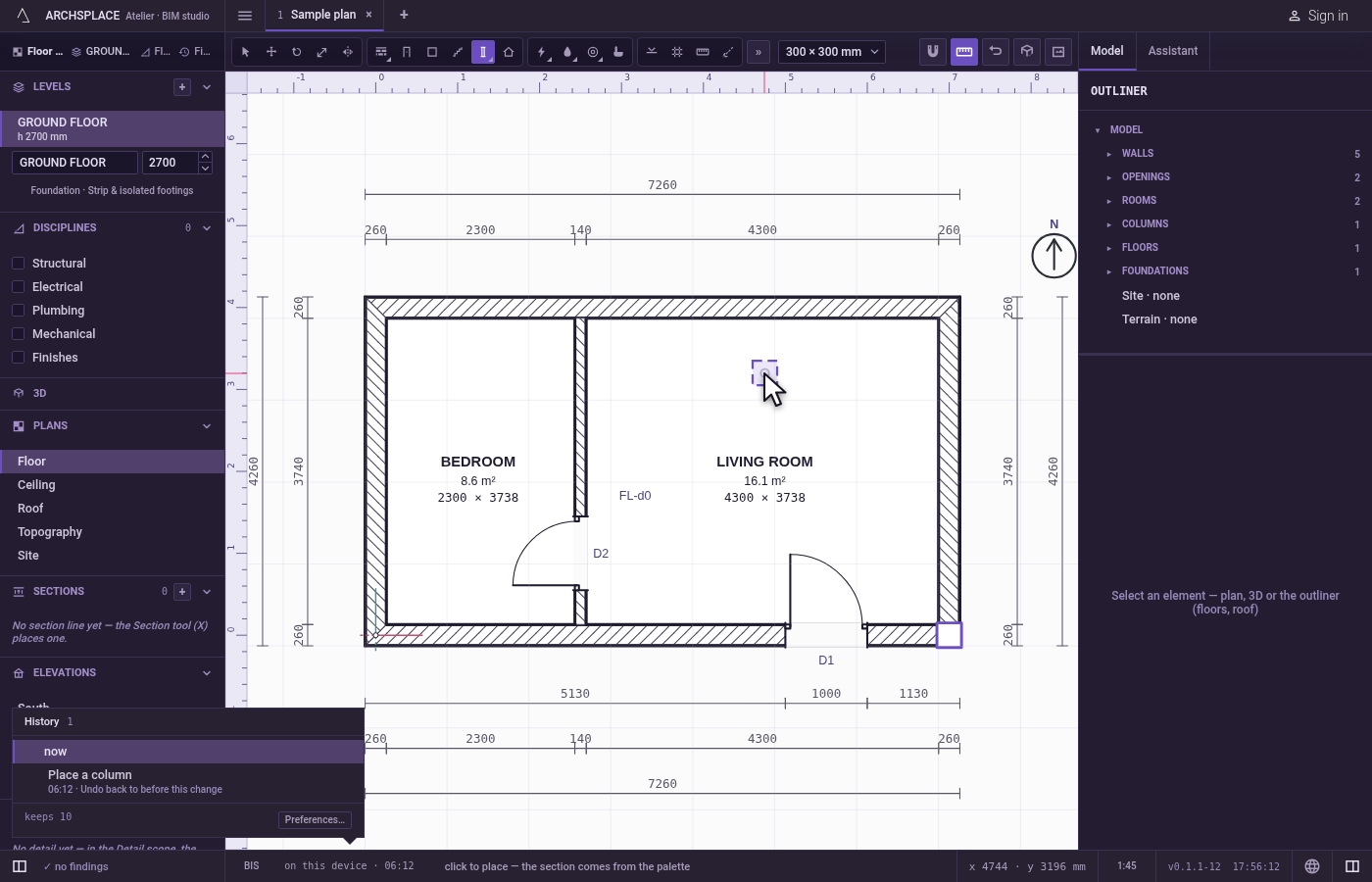
Click where it stands. The magnet holds the cursor on a grid crossing, the corner of a wall, a midpoint or another point within reach, and the column is centred there. Every click places one more column.
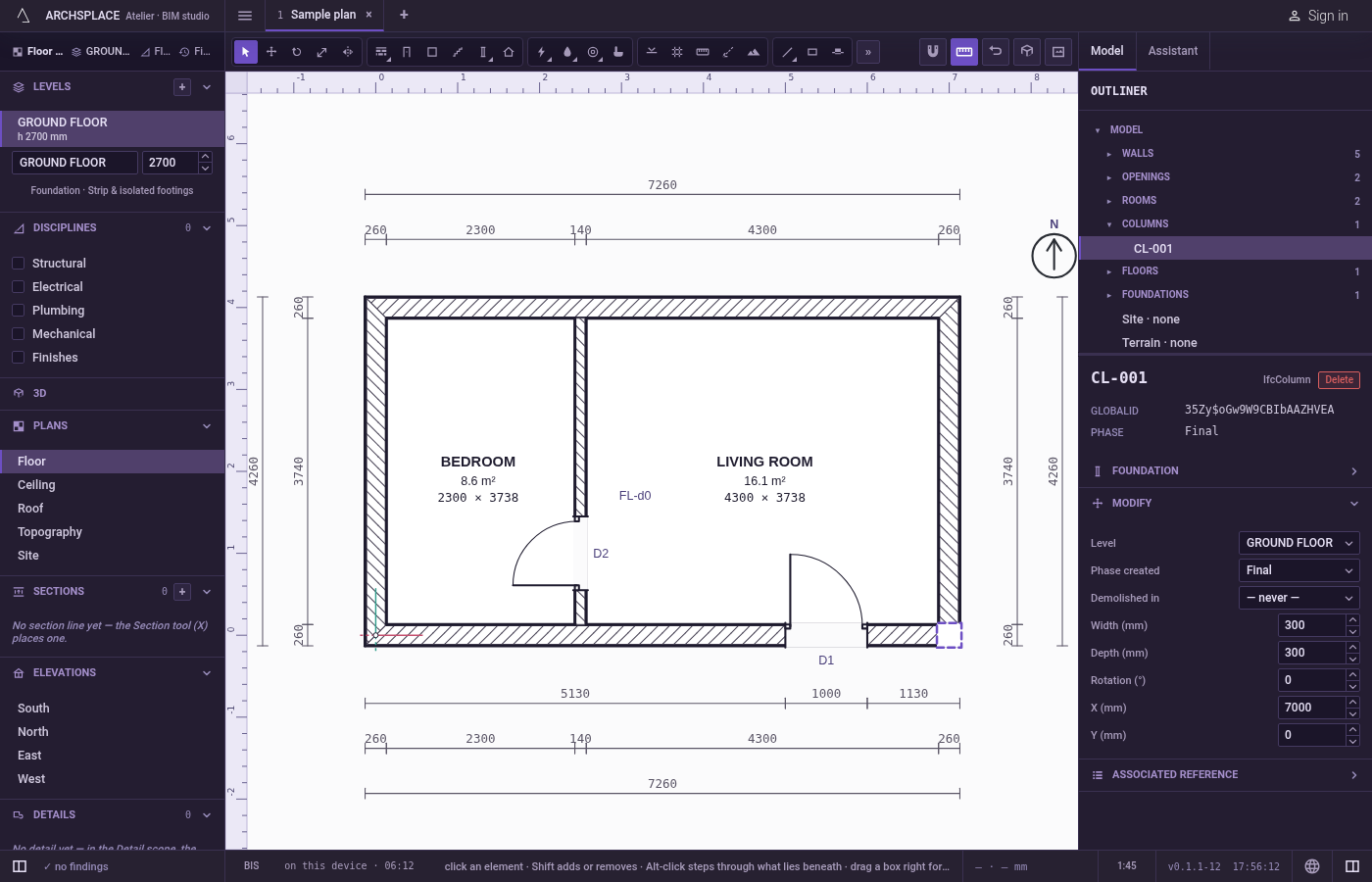
Adjust it in its panel. Select the column with Select to type its width, its depth, its rotation in degrees, and the X and Y of its centre.
What it refuses
- A section that is not positive. A width or a depth of zero or less is refused by the project.
- Nothing at the click. A column is placed wherever you click, even inside a wall: check the plan before you click.
What it writes to the contract
One new entry at the end of the project's list of columns, as one step that one undo reverses: the level, the centre to the nearest millimetre, the width and the depth in metres, and the phase in which the view draws. The angle is written only once you turn the column. The footing below it is never written: it is worked out every time the project is built.
Concepts
Common questions
How do I place a column exactly on a grid crossing?
Bring the cursor close to the crossing of two grid lines: the magnet holds it on the crossing and shows a cross. Click, and the column is centred there.
Can I make a column of a size other than the ones offered?
Yes. Place it with any section, then type its width and depth in its panel.